
Block Editor
WordPress uses blocks to organise text, images, files and other page content. Browse common blocks, formatting, embeds and image tutorials to find the part you need.
- 28 videos
- 1 recorded so far
Topics
Common blocks
Paragraph Block
The Paragraph block holds ordinary body text.
Coming soonHeading Block
Headings split a page into sections that people can scan, and search engines use them to understand how the page is organised.
Coming soonImage Block
The Image block places a single picture on a page.
Coming soonGallery Block
The Gallery block shows several images together in a grid.
Coming soonCover Block
The Cover block puts text over a background image, video or colour.
Coming soonQuote Block
The Quote block sets apart words that came from someone else, such as a customer's comment or a line from a published source, with space for the citation underneath..
Coming soonList Block
The List block makes bulleted or numbered lists.
Coming soonVideo Block
The Video block plays a video file uploaded to your own website.
Coming soonAudio Block
The Audio block adds a player for a sound file, such as a podcast episode, a recorded message or a sample track.
Coming soonFile Block
Use the WordPress File Block when a page needs a downloadable document, such as a brochure or information sheet.
Coming soonFormatting blocks
Code Block
The Code block displays code as text in a fixed-width font, so visitors can read or copy it.
Coming soonCustom HTML Block
The Custom HTML block lets you paste HTML straight into a page, for things like a booking widget or a form supplied by another service..
Coming soonPreformatted Block
The Preformatted block keeps text exactly as you type it, spaces and line breaks included, in a fixed-width font.
Coming soonPullquote Block
A pullquote lifts a short line from your own page and shows it large, to catch the eye of someone scrolling.
Coming soonTable Block
The Table block arranges information in rows and columns, which suits opening hours, price comparisons or specifications.
Coming soonClassic Block
The Classic block holds content in the older WordPress editor format, with one toolbar like a word processor.
Coming soonVerse Block
The Verse block is for poetry, song lyrics and other writing where the line breaks are part of the meaning.
Coming soonEmbed blocks
Images
Add Media From Media Library
Every image you upload to WordPress is kept in the Media Library, so a photo used on one page can go on another without uploading it again.
Coming soonAdd Image From Computer
Uploading from your computer is the usual way to get a new photo onto a page.
Coming soonAdd Image From URL
WordPress can show an image from another website's address instead of uploading a copy.
Coming soonDelete Image
Removing an image from a page and deleting it from the Media Library are different actions.
Coming soonEdit Image
Once an image is on the page you can change how it appears without uploading it again: its size, alignment, alt text, caption and link.
Coming soonImage Editor
WordPress has a basic image editor built in, opened from the Media Library.
Coming soonRotate and Flip Images
Photos from a phone sometimes arrive sideways or upside down, depending on how the phone saved them.
Coming soonCrop and Scale Images
Cropping cuts away the parts of a photo you do not need.
Coming soon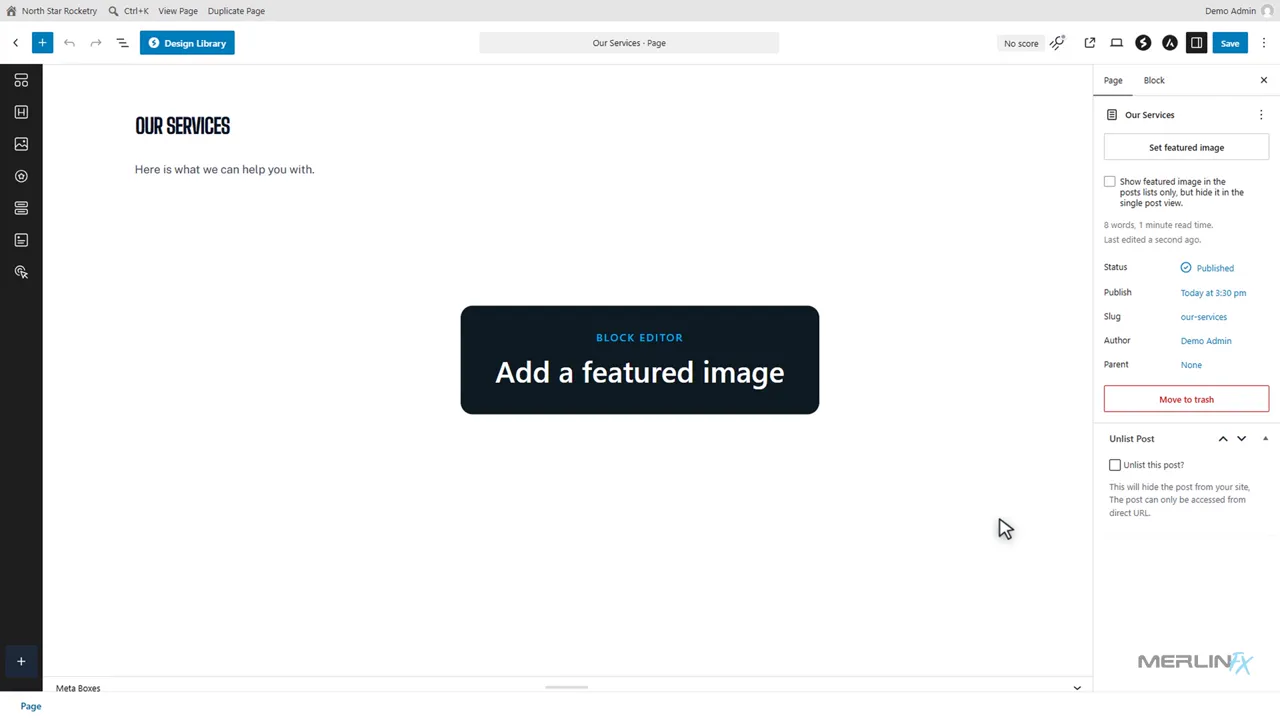 0:50
Featured Image
A featured image represents a post or page in other places: blog listings, related post cards, and often the preview picture when someone shares the link on social media..
Image Galleries
A gallery groups several images so they display together instead of one after another down the page.
Coming soonYou needed to change one thing. Now you are learning the editor again.
Your website should be handled. Not handed back to you.
Read: Why websites shouldn't be handed backAdmin Tax
Work out what keeping your website and tools in step costs your team.
Open the tool